

Some Hunts may require payment. We use Stripe.com and connect to your Stripe account. Stripe may be configured to deposit Funds to your bank automatically after two days. Stripe provides a full virtual terminal to run charges manually, manage subscriptions, issue refunds, provide revenue reports.
Author Archives: NCA
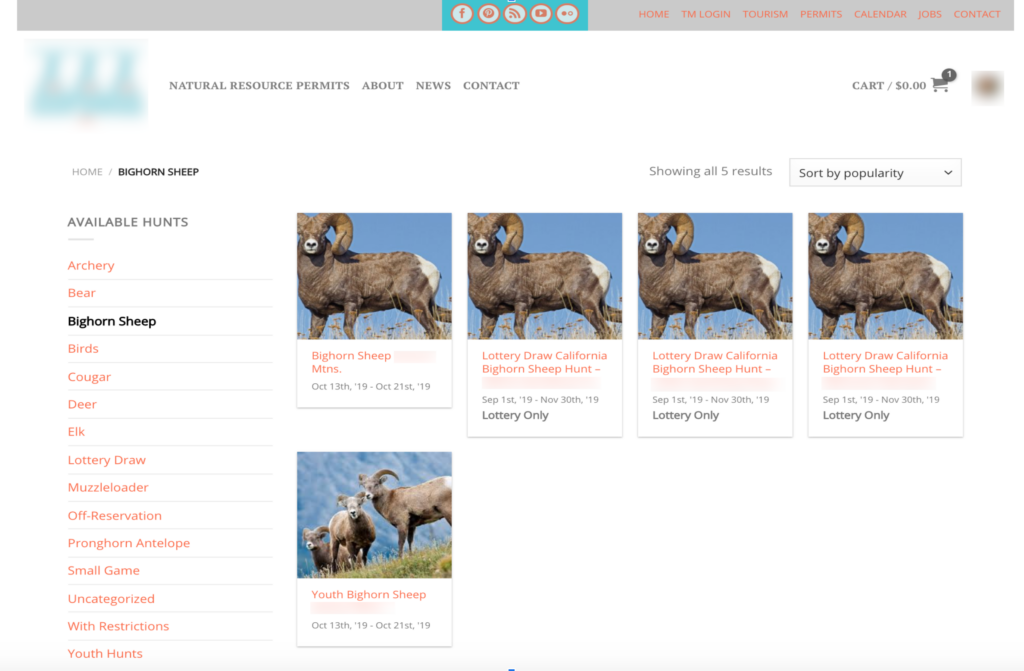
The system enables lottery-based hunts with randomized permit selection. Admins can configure hunts to limit participation through a lottery coupon requirement. Interested members enter the drawing by submitting an application. Winners are randomly chosen and issued a one-time coupon code. This unique code must be provided during hunt registration to validate lottery authorization. By restricting […]
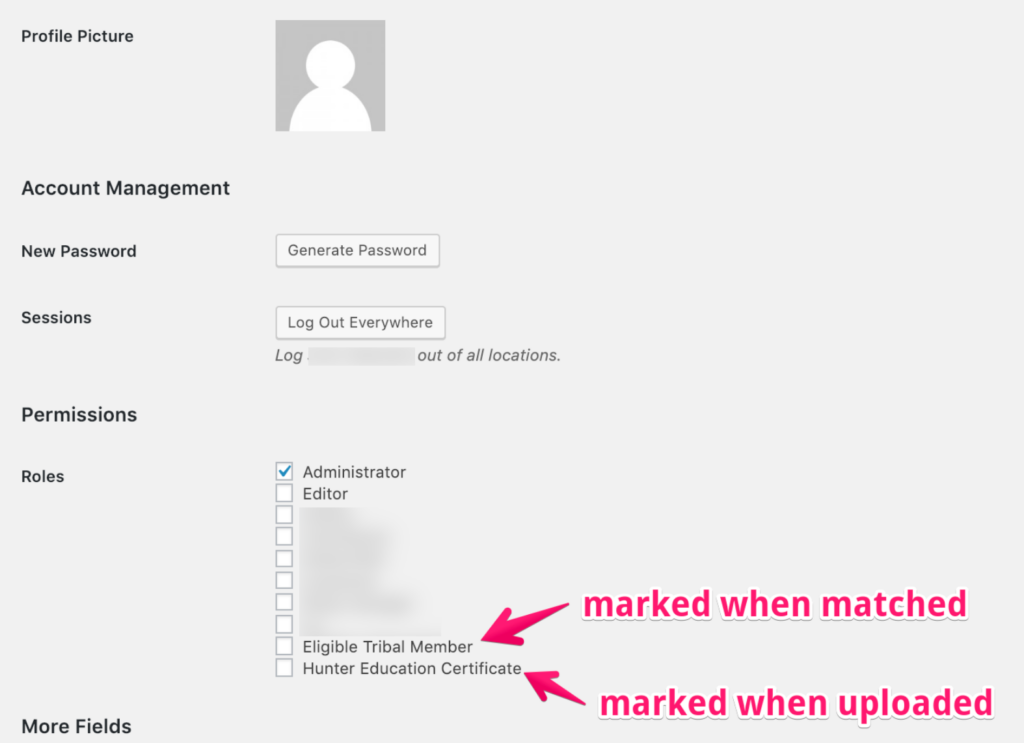
The system allows manual designation of registered users as eligible tribal members or as holders of a hunter education certificate. These assigned roles qualify users to request permits for restricted hunts requiring verified tribal enrollment or proof of hunter training. By tagging qualified users, the system filters hunt registration to approved individuals meeting prerequisites. Eligibility […]
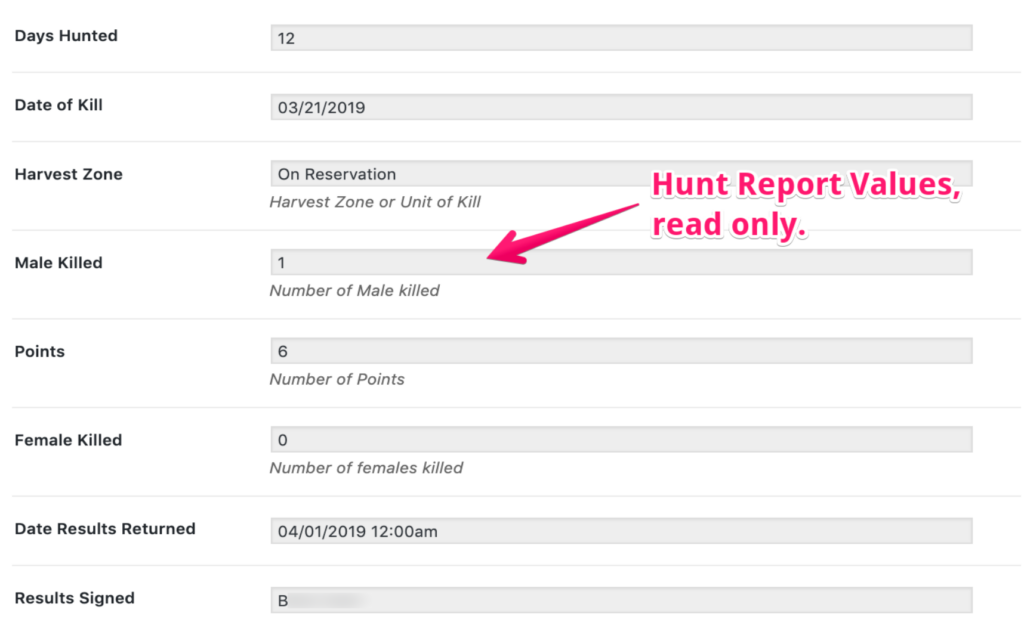
The system enables authorized users to lookup and review individual hunt reports submitted by members after permitted harvests. Hunters are required to file reports containing details like animal type, date, location, and other data points. Once a report is filed, administrators can access the read-only record through search filters or hunter profiles. Individual reports provide […]
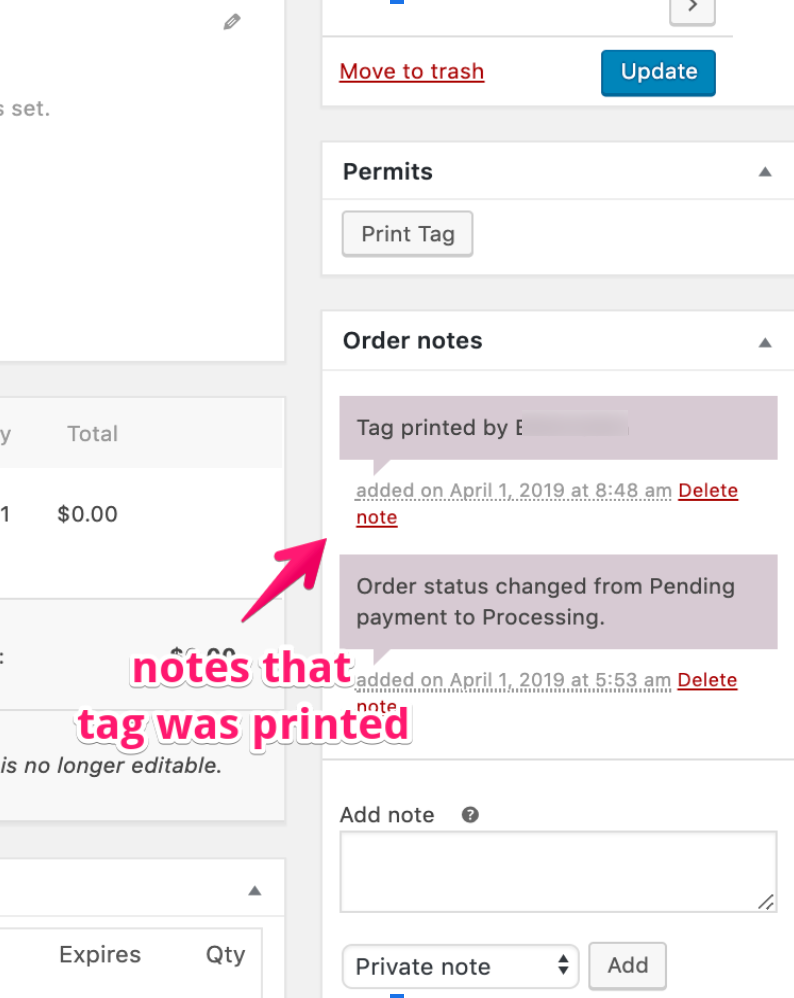
The system provides authorized administrators a comprehensive audit log of each permit order’s lifecycle. The timeline displays key events like request / purchase date, payments, emails, printing, and all staff notes. Admins can add their own notes to document inspections, violations, or other interactions with the permit. By compiling a centralized record from purchase through […]
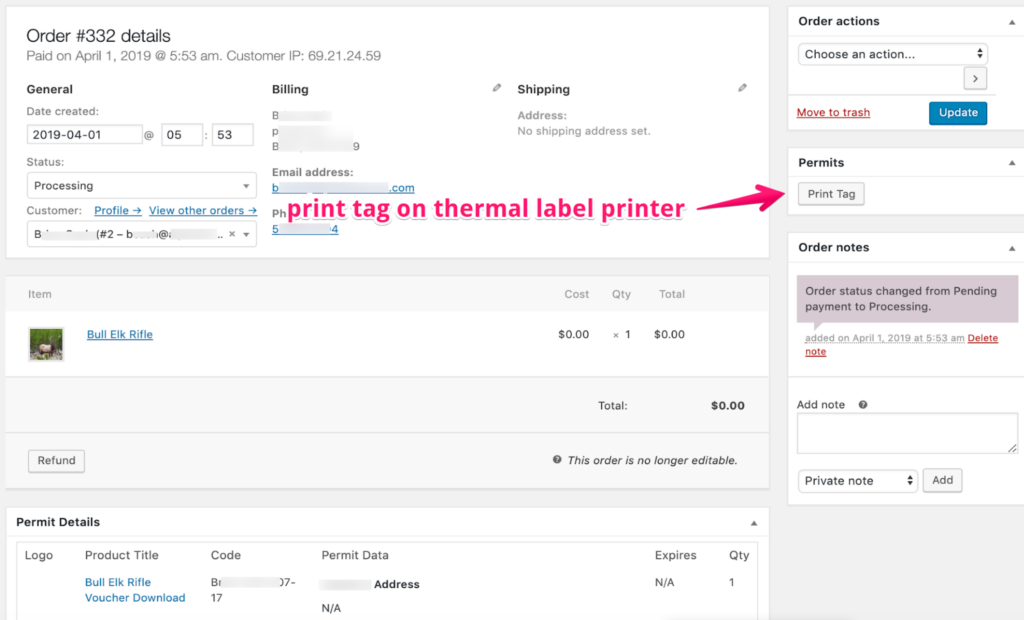
Authorized staff can review pending permit orders in the system dashboard. Once approved, the permit tag can be printed on a waterproof thermal label printer located in the admin office. This durable format allows the tag to withstand field use. Staff then issue the printed permit to the hunter in-person at the front desk. By […]
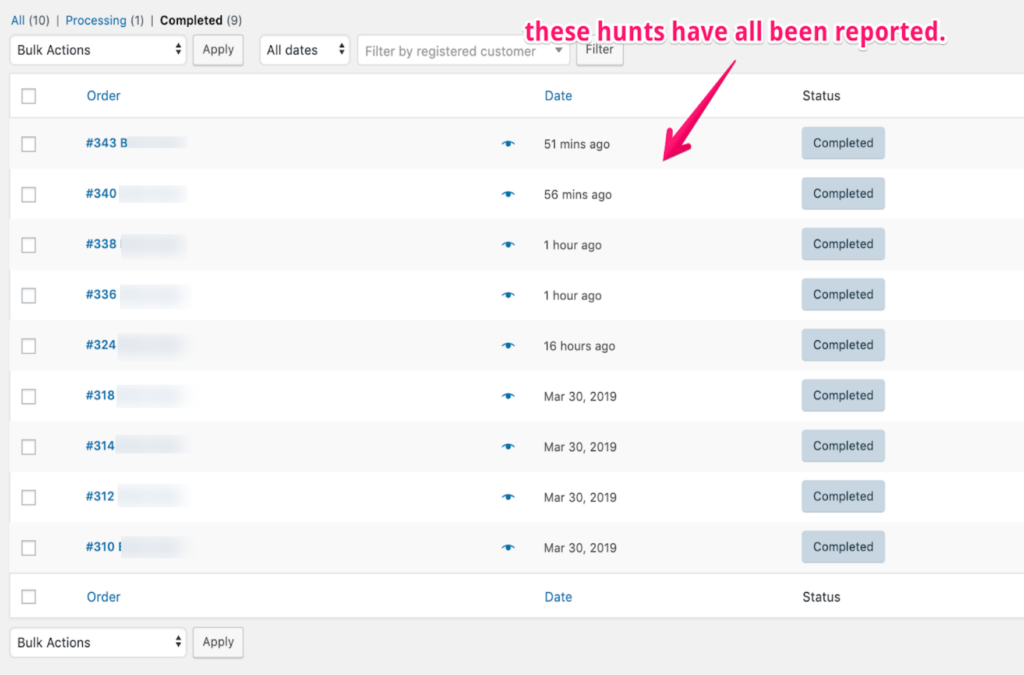
Once a hunt is completed and the permit closed out through proper harvest documentation, the system archives details of the activity. Authorized users can access reporting dashboards to search and filter permits based on parameters like date, species, region, hunter attributes, etc. Individual permits are viewable to inspect details. Bulk export capabilities allow permit data […]
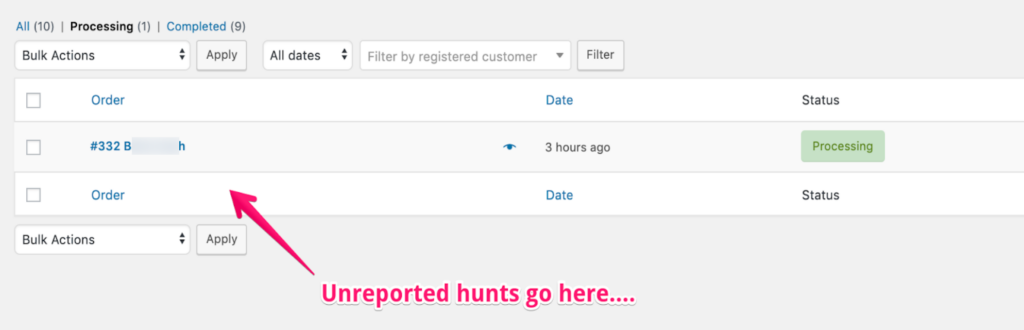
he wildlife management system has an “Unreported Harvests” queue that allows agency staff to monitor and manually close out any hunts lacking proper reporting. This unreported hunts queue provides oversight tools to ensure compliance, with key features that include: List of all hunts that have passed the required reporting deadline but still lack a submitted […]
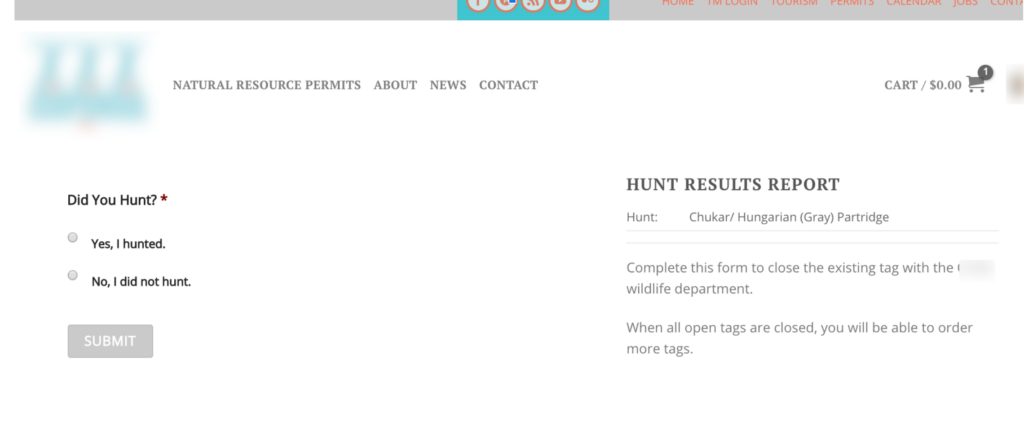
The system provides hunters an intuitive reporting form to document harvests. Step-by-step fields capture details like animal type, date, location, and permit number. Photos can be uploaded to verify compliance. The straightforward interface allows hunters to easily submit mandatory harvest data without confusion. Once submitted, reports are accessible to agency administrators in a centralized repository. […]
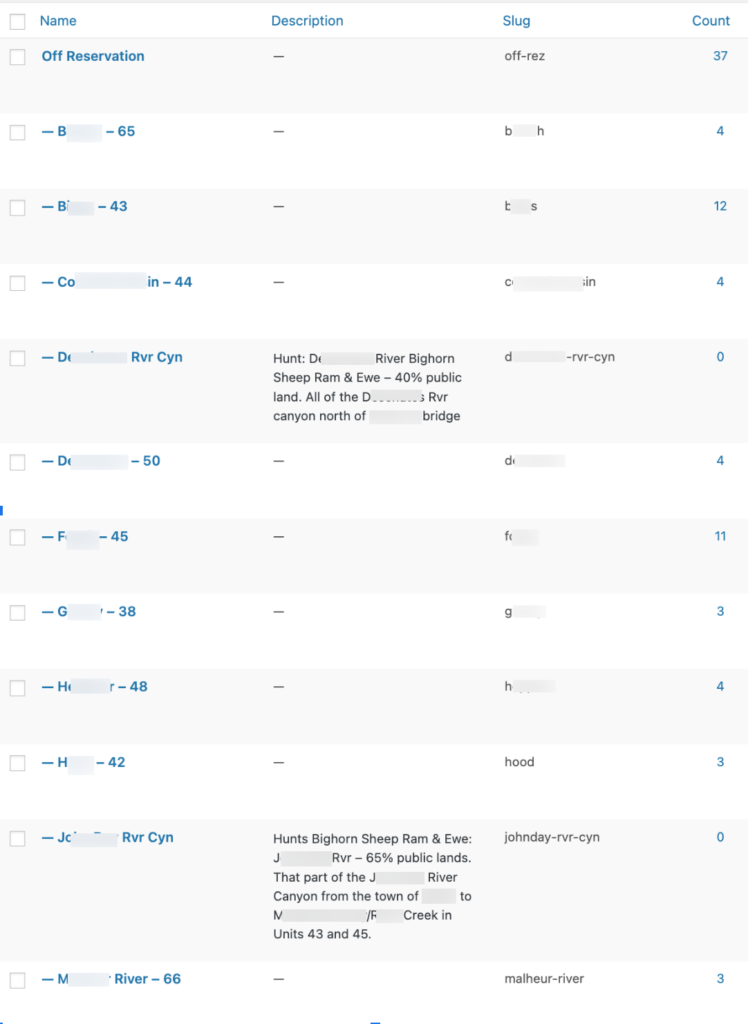
The system optimizes hunt creation through configurable lookup tables for animals, hunt categories, regions, and access points. These reusable data sets standardize descriptions, geographic boundaries, and other foundational information. When generating new hunts, admins simply select predefined options to automatically populate key details. Only revisions to actual regulations need to be manually input year-over-year. By […]